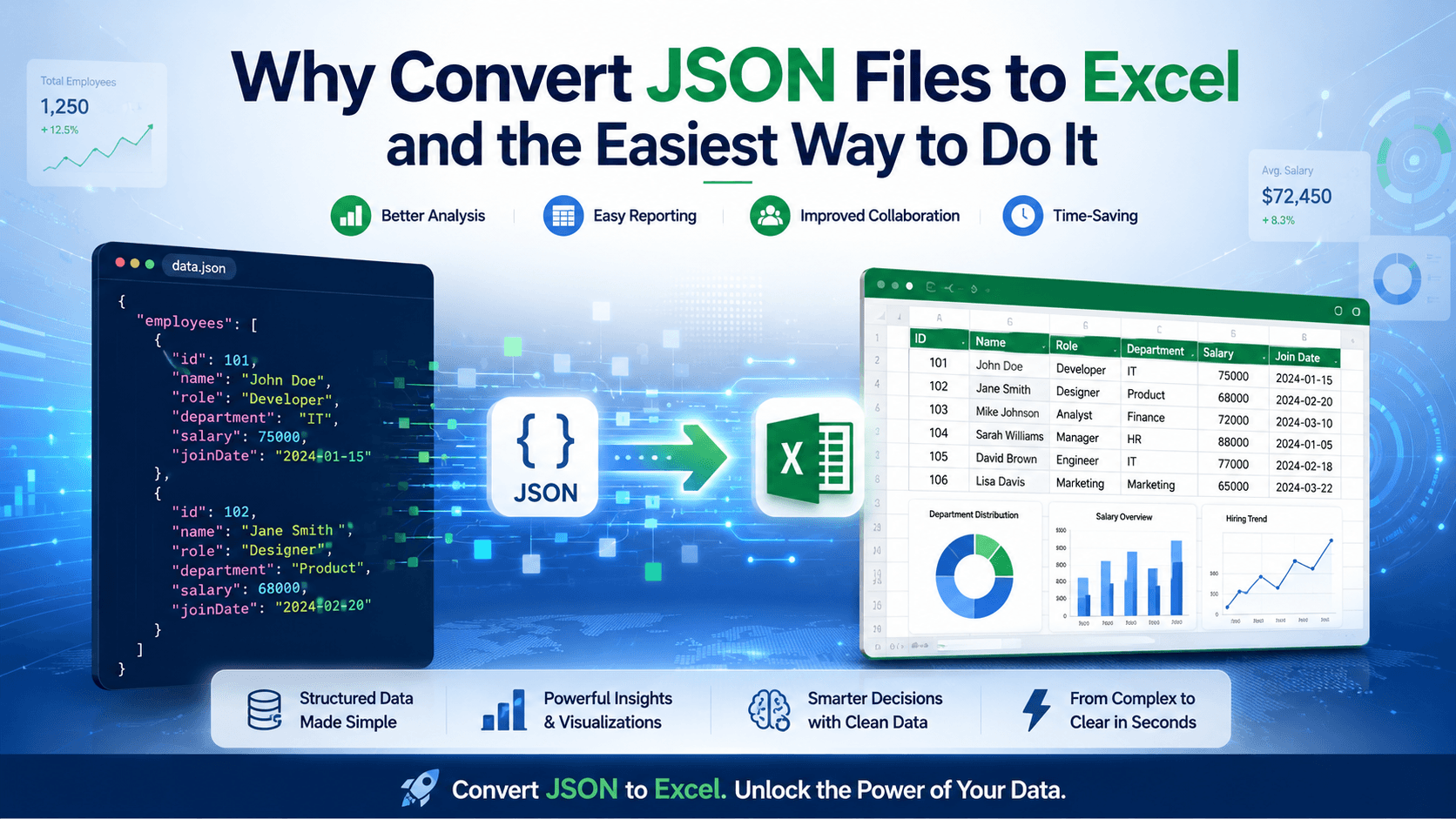
A lot of formats are used nowadays to handle structured data. Two of the most commonly used formats are Excel and JSON. JSON is mostly used by websites, apps, and APIs to store and transfer data. It works well for systems. But for humans, it is not easy to read, especially when the file has nested data inside it.
Here is the real problem. When a JSON file has multiple layers, the data is inside different objects and arrays. You cannot clearly see everything at once. On the other hand, Excel shows data in a proper table. Rows and columns make everything clear.
In this blog, we will see why we need to convert JSON files to Excel and share the easiest way to perform this conversion. So let's get into it.
Why Convert JSON File to Excel?
Converting a JSON file to Excel makes the data readable and easy to use in non-technical settings. Here are some of the main reasons to do this conversion:
Simplifies Data Transfer Between Systems
Many platforms export data in JSON format, for example, Shopify product lists and WordPress user data. But when you need to upload this data into another system, JSON is not always accepted directly.
Many tools support only Excel or CSV uploads. CRM systems, accounting software, email marketing tools, and inventory systems are good examples.
So you need to convert JSON data into Excel for a smooth workflow. You don’t need a developer to rewrite code or adjust API connections. Excel works like a middle format that helps move data from one system to another without technical complications.
Makes Complex JSON Data Human-Readable
JSON files are written for systems, not for humans. When data is nested inside multiple brackets, it becomes hard to understand what is what. You have to scroll a lot just to find one value.
When you convert JSON to Excel, everything becomes clear. Each key gets its own column. Each record appears in a separate row. You can see names, numbers, and details properly without reading code. So, Excel turns confusing JSON data into something you can actually read and use.
Enables Data Visualization and Editing
JSON files cannot be used directly to visualize data. For example, converting text reports into tables, charts, or pivot tables is a common practice in business operations. This plays an important role in business decision-making.
So if you get a customer data file in JSON format from a website, you cannot work on it directly. In a professional working environment, you often need to create monthly reports, check totals, apply discounts, or correct wrong entries.
When you convert it to Excel, you can apply formulas, use filters, create pivot tables, and even generate charts. This is not just a benefit. It becomes a need when you are handling large amounts of data and making business decisions.
Improves Teamwork and Data Sharing
Another strong reason to convert JSON to Excel is improved teamwork. Not everyone in a company understands JSON format. Developers may be comfortable with it, but managers, accountants, and marketing staff are not.
For example, if you export website leads in JSON and send that file to your sales team, they may not even know how to open it properly. But if you send the same data in Excel, they can immediately check names, phone numbers, and locations.
In real business work, files are shared on WhatsApp, email, or Google Drive. Excel is accepted everywhere. It opens easily, and people can add comments, update cells, or highlight important data.
So, converting JSON to Excel becomes necessary when multiple team members need to access and work on the same data without technical confusion.
What Is the Easiest Way to Convert JSON to Excel?
It is through an online JSON to Excel converter tool, which can convert JSON files into Excel sheets quickly.
This method is easier than all the other ones for a couple of reasons. One, there is no need for technical knowledge, like coding, to do it. This is very simple to use. Second, the tool works directly in your browser. So you do not need to download or install software.
The following screenshots demonstrate the working of JSON to Excel converter, which we found consistent and reliable after testing it with different inputs.
Here’s the JSON file we entered into the tool:
The output it delivers:

Final Words
Both the JSON and Excel files are useful for their primary purposes. JSON files are useful for modern systems and development tasks. But Excel sheets are more commonly used by professionals in businesses.
If you are exporting Shopify orders, website leads, API data, or app records, you cannot properly review or report them in raw JSON format. You need totals, filters, sorted lists, and clean columns. That is why Converting JSON into Excel format allows the data to be organized in a more accessible and practical way.
Restructuring data using online converter into an Excel format with organized rows and columns allows you to analyze, review, report, and distribute information more effectively, leading to clearer insights and improved workflows efficiency.
 5 min read